

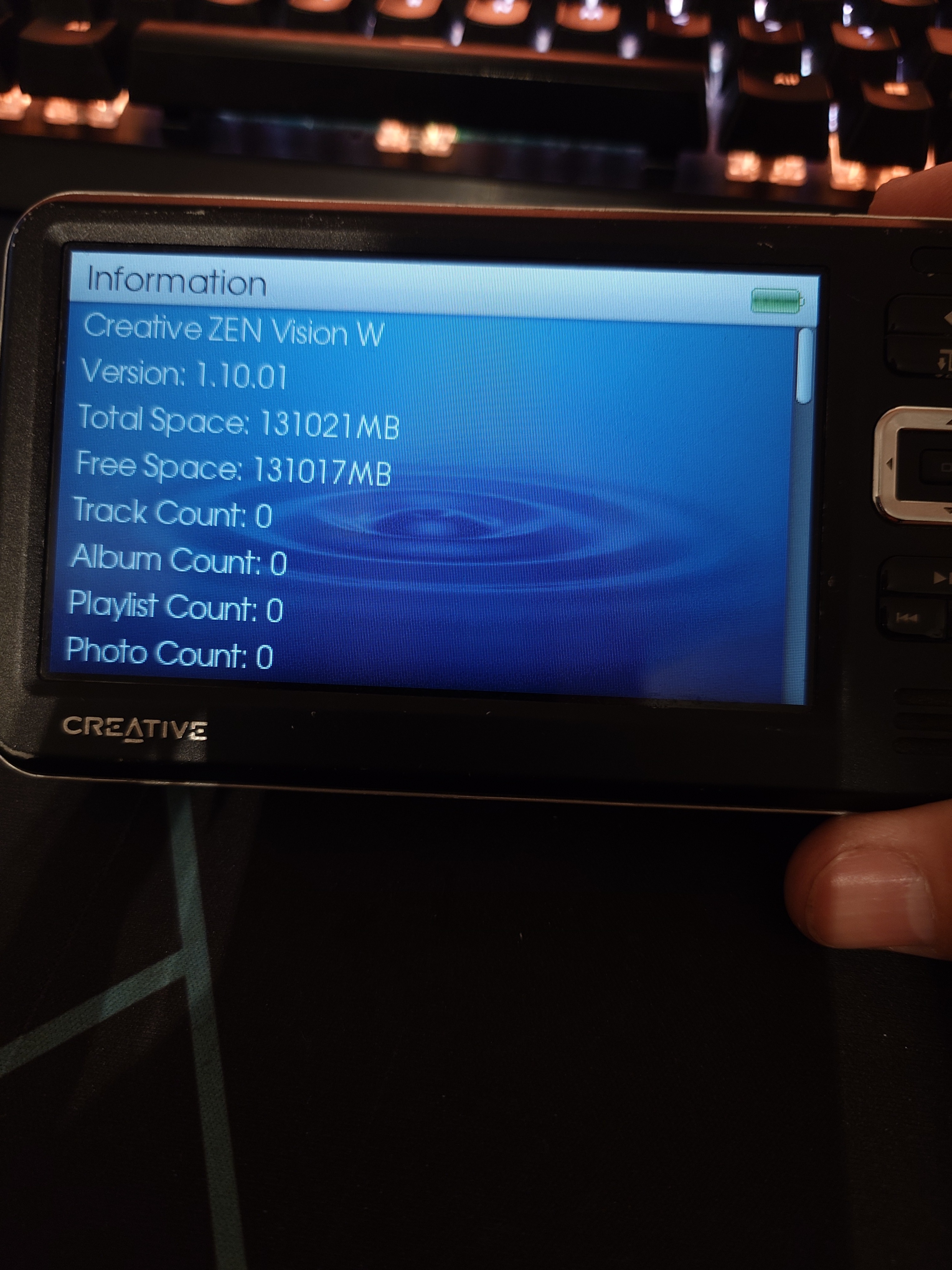
It’s been an ordeal but I’m (mostly) done with this. I tried using an iflash quad, a zif-cf-microsd adapter, and finally got this zif-msata adapter. The only one that worked is this setup. Worked is a loose term since this is supposed to be a 256gb ssd but its showing as 128gb… Anyways, the pictures below show the steps.
You need the firmware, software, and a 32 bit os to flash it. I’ll add links later if I remember.
Remove the battery

Remove the 6 screws from the back

Not shown, remove the 4 silver screws from the sides, then the 2 from the compact flash card slot.

Separate the back from the case, there is a latch under the rubber flap, between the power jack and rca/usb port. I used a guitar pick to split it.

Remove the drive cover with the 4 small screws.

You should see the drive now, pull up on the black connector shell and pop the drive off. Then separate the zif cable by flipping the latch up and pull in the cable free. Keep the zif cable. I put a layer of kapton tape under the cable on the silver compact flash slot cover.

Put a layer of kapton tape on the mobo to keep the new drive adapter from doing any rubbing.

Attach the zif cable to the new drive adapter and install back in the connector. This positions your drive adapter where it needs to be.

Secure the drive adapter.

Here is the drive I used. Ymmv

Cover the back side of the ssd with kapton tape.

I used a little piece of foam to hold the rest of the stuff steady.

Reinstall the drive cover and assemble the rest of the unit. Boot to recovery mode by sliding the power switch over and holding it there while reconnecting the battery.

You need for select format drive and let it format, then you need to reload the firmware. To do that, you need the creative software. Ill upload that to a google drive or something. It requires a 32 bit os. I used an old netbook to do it.
As for why the capacity is wrong, I’m not sure. I could yank the drive out and find out, or I can leave it alone (option b is what I am doing)

Should be a good one, It boots quicker for sure and should use less battery. I really wanted to try and get it working with the microsd card for even better power consumption but I could never get the card to read properly even with a mbr partition. I guess since I have all the adapters now, I could try cloning this drive to a sd card and see if that works…